Leaderboard
-
Snakebite68
Moderator3Points847Posts -
Mr Bignel
YOC Member2Points174Posts -
.jpg.5c05eb7af257e741ca000bd984024429.jpg)
drewpy
Moderator1Points15,193Posts -
Alex
Admin1Points3,139Posts


.jpg.5c05eb7af257e741ca000bd984024429.jpg)


Popular Content
Showing content with the highest reputation since 29/12/25 in all areas
-
1 pointWell, that sucks! I've gotta say, I love the Michelin Road 6's, I have them on all my bikes.1 point
-
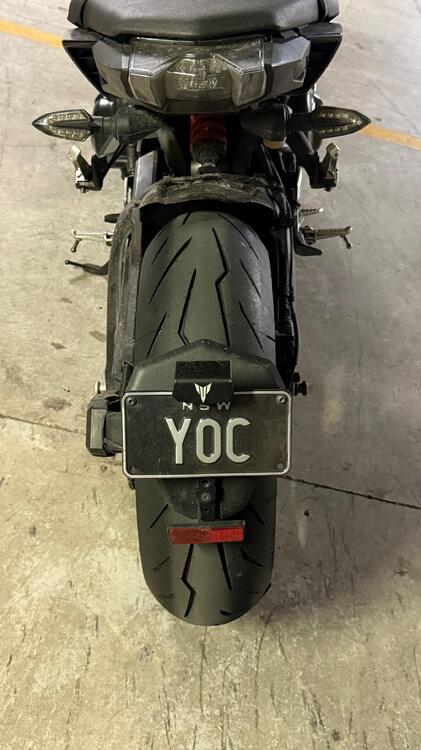
1 pointI do love the tyre pattern on Rossi 4, looks very apt for the MT. Got to have a bit of a play in the wet yesterday, levels above the previous almost slick Dunlop. Guess this is the best compromise I'm prepared to take without going to a more all season tyre.
 1 point
 -
1 pointgot to have tyres in a condition that you can trust - our only points of contact 🙂1 point
-
1 pointIt may be the angle of the camera...but is there any tread left on those tyres Alex?😂1 point
-
1 point
-
1 point
-
1 point
-
1 point
-
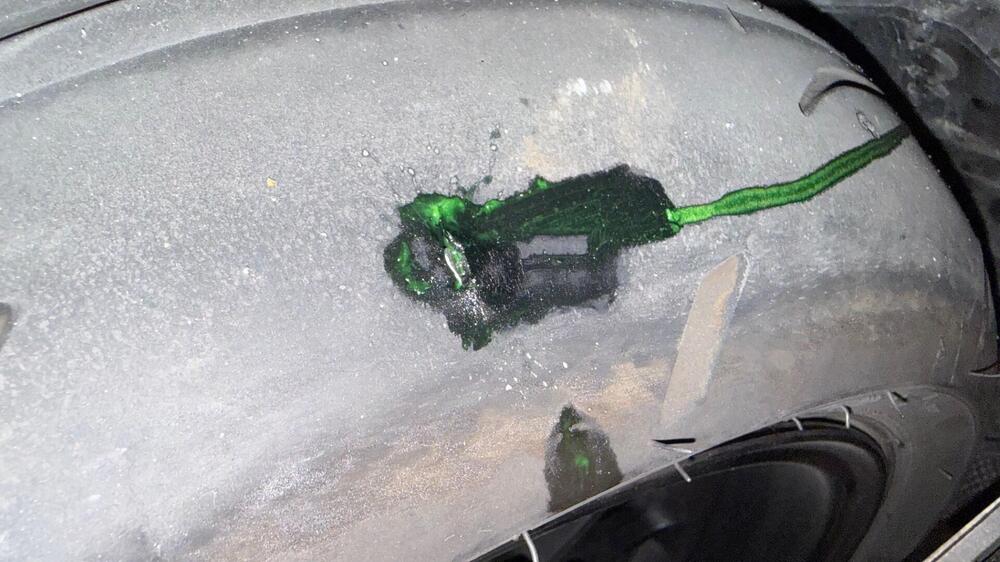
0 pointsThis looks like bloody scrapnel, doubt this is repairable. Anyway happy Friday all!
 0 points